Never stand at a keypad again trying to remember the code. Your door, gate and lock codes show up on your iPhone or Apple Watch the moment you arrive.
For iPhone and iPad, with a long-look view for Apple Watch.
Optimized for iPhone Duo
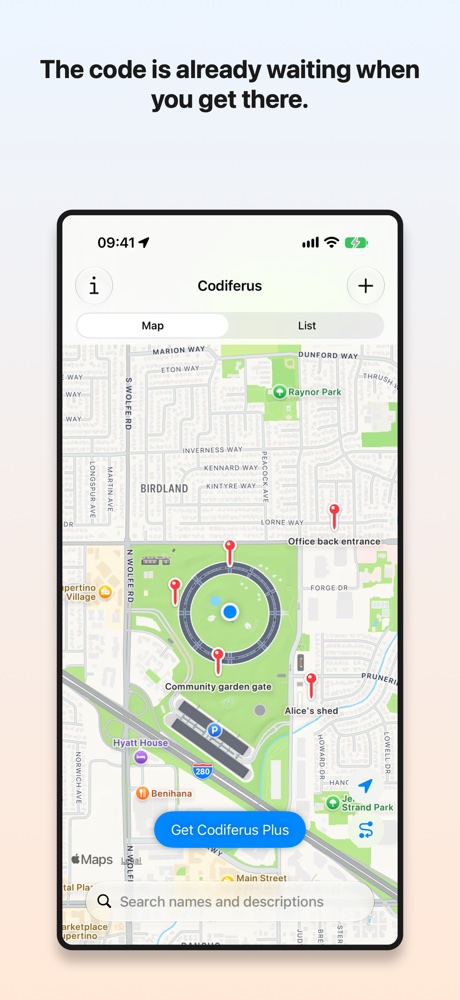
The code is already waiting when you get there.
Codiferus keeps all your access codes for doors, gates, garages, sheds, lockers and combination locks in one place, each pinned to the spot where you use it.
The right code, right when you arrive
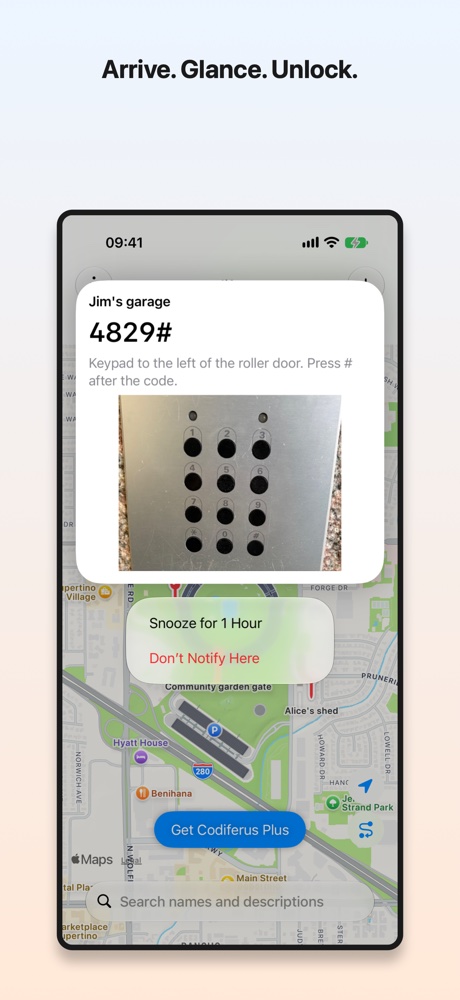
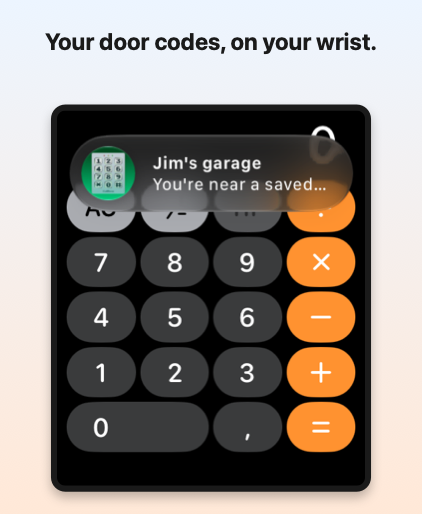
Activate a code and Codiferus quietly watches for you to arrive. Step inside its radius and a notification pops up, on your iPhone or right on your wrist. You don’t have to open the app or search for anything.
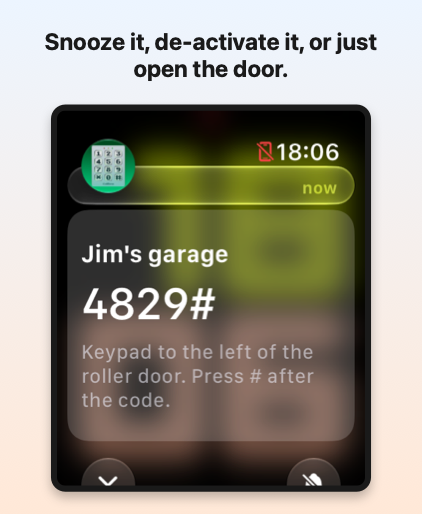
From the notification you can see the code at a glance, snooze it for an hour, or de-activate it if you no longer need reminders.
Every code, exactly where it belongs
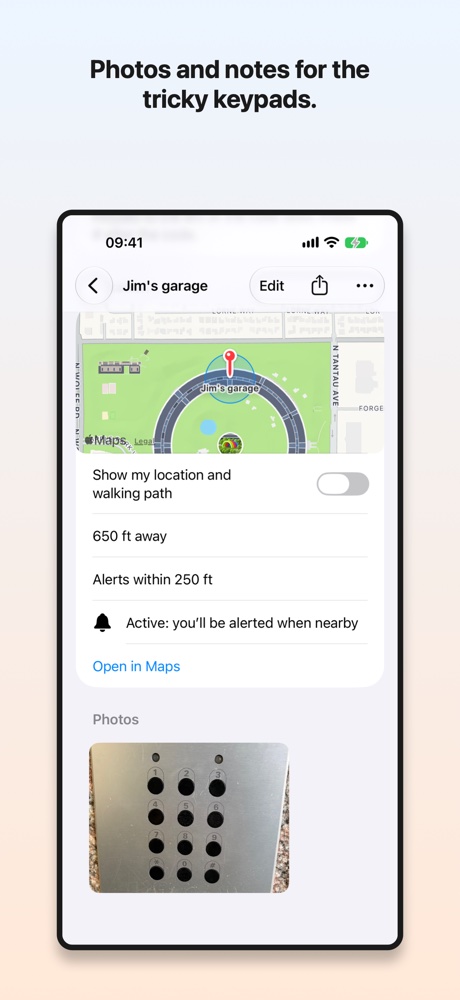
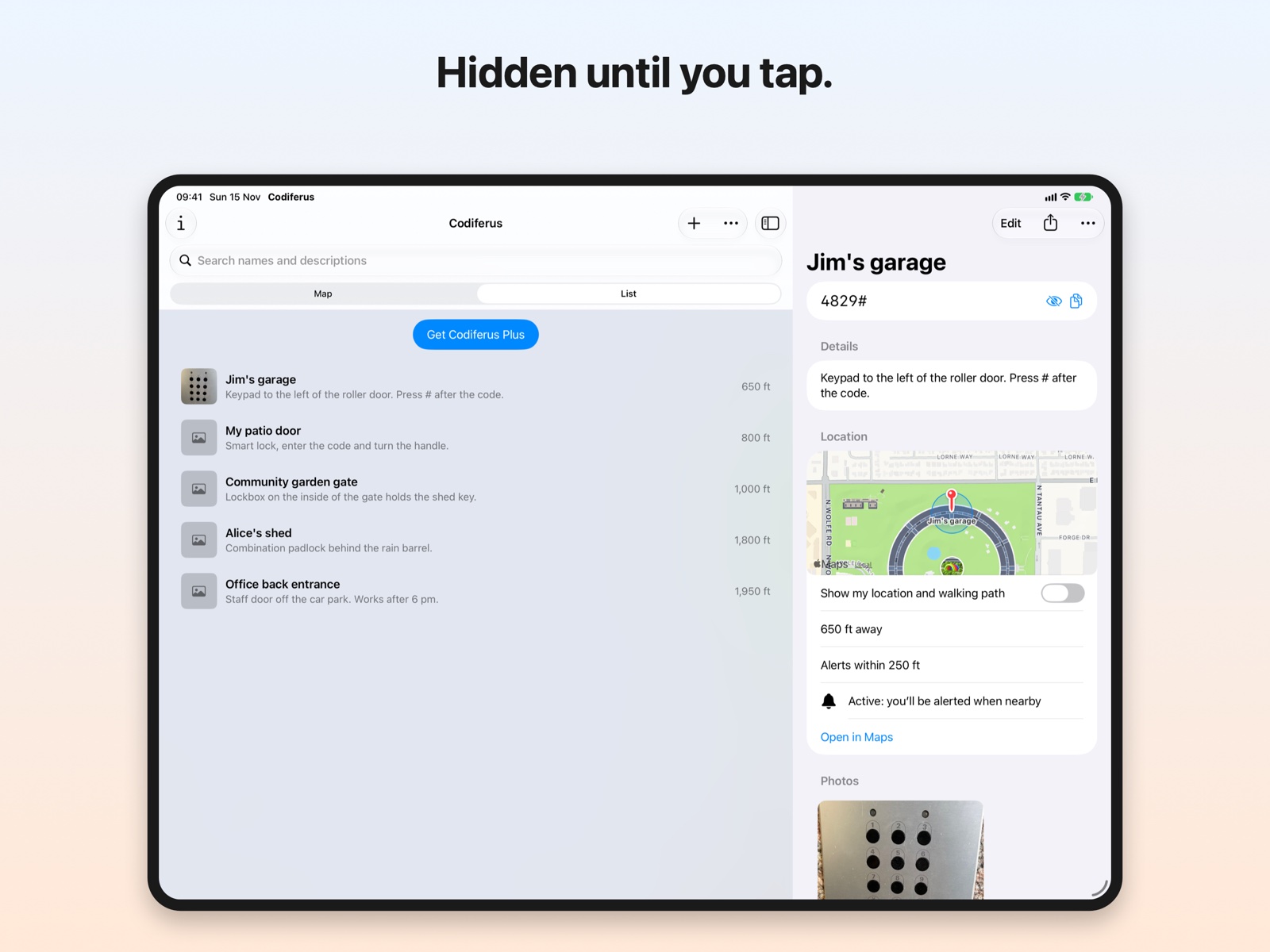
Pick each code’s location on a map and set a radius that fits, from a single front door to a whole storage facility. Add a description and photos so you remember the tricky parts: “Gate keypad is on the left pillar,” “Press # before the code,” “Shed is behind the garage, not the house.”
Find anything in seconds
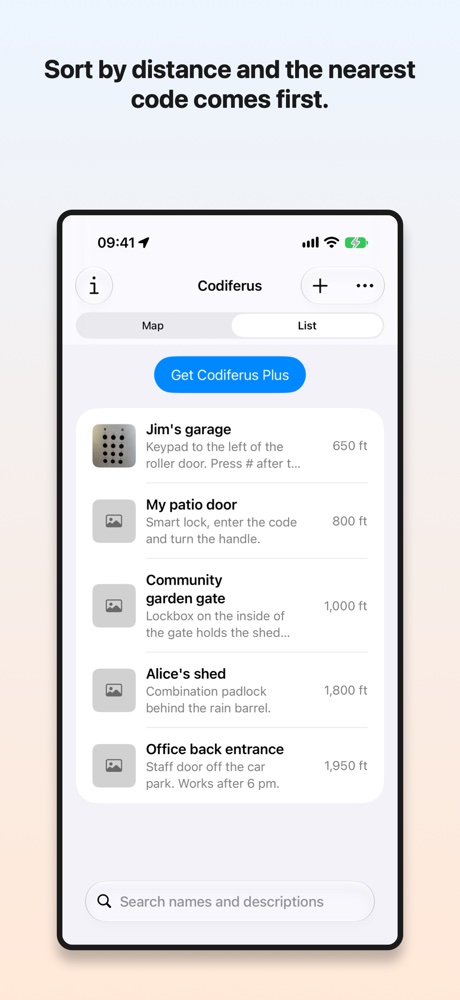
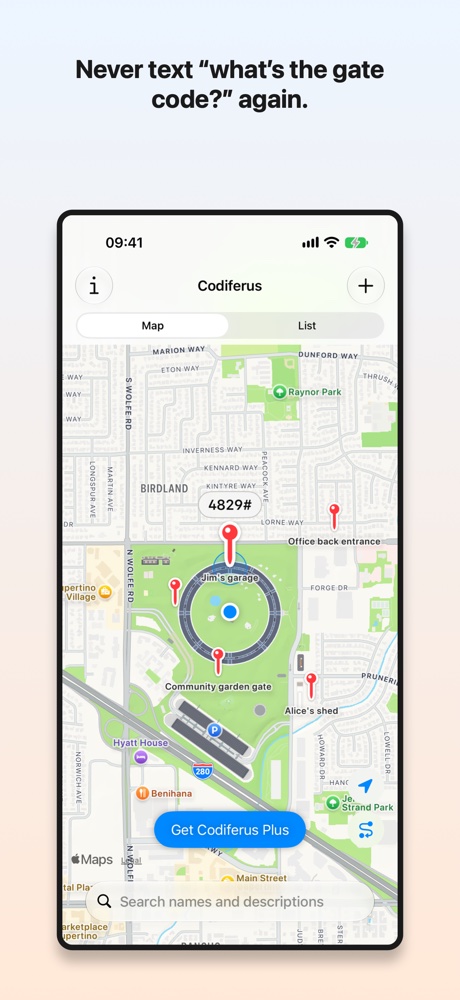
See all your codes on a map, or browse them in a list sorted by distance or name. Filter by name or description to jump straight to the one you need.
Add a code in seconds
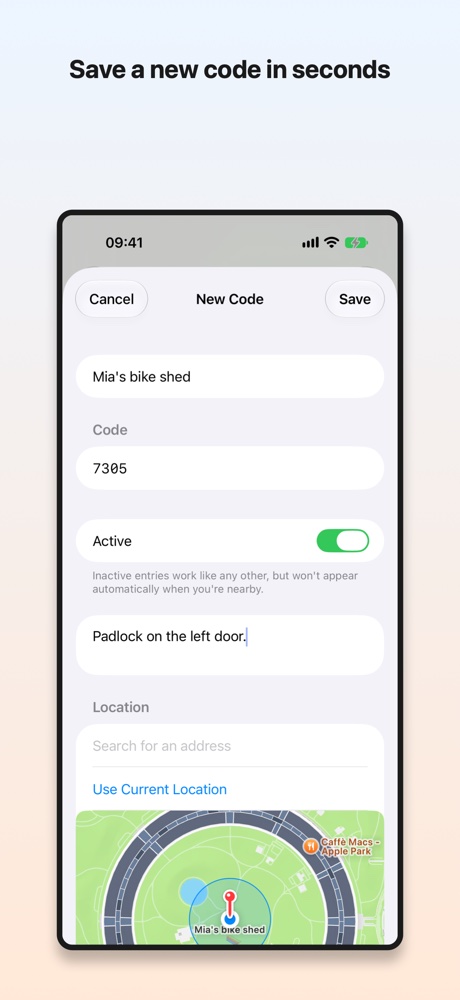
Name it, enter the code, drop a pin, add a note or a photo. That’s it. Store as many codes as you like and activate the ones you want arrival notifications for.
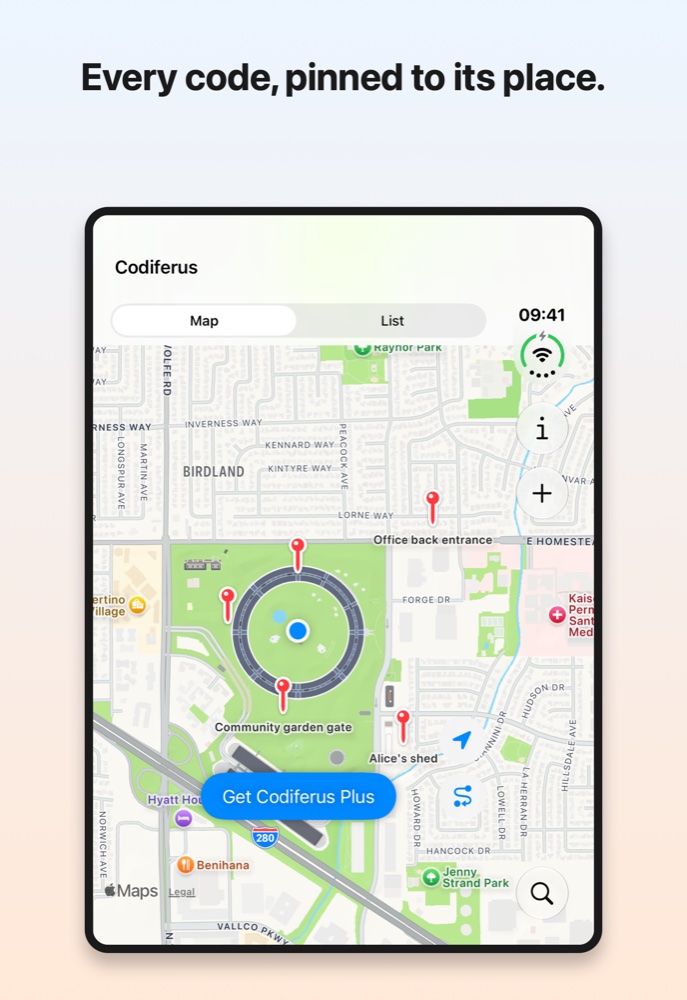
Codiferus on iPad: plenty of room for your codes and the details of a chosen code side by side.
Your door codes, on your wrist
When a code’s notification reaches your Apple Watch, take a longer look to see the code, the notes you saved, and buttons to snooze or de-activate it. No phone needed.
Until you take that longer look, the code stays hidden.
Built for real life
Visiting friends & family
Buildings with door codes you only use a few times a year.
Gyms, boats & cabins
Combination locks at the gym, the boat, the cabin or the bike shed.
Property managers
Codes for many buildings, garages and storage units, all in one app.
Tired of the group chat
Never text “what’s the gate code again?” again.
Share a code in one tap
Send a code to a friend, family member or coworker as a link that opens in Codiferus. Or share it as an image card with the name, code, description, a map of the spot and photo thumbnails. That’s perfect for anyone who doesn’t have the app.
Private by design
Your codes stay on your iPhone or iPad.
No account, no cloud syncing, no tracking, no analytics.
Codes stay hidden on screen until you tap to reveal one, so nobody glancing over your shoulder sees them.
On Apple Watch, the code appears only when you take a longer look at a notification.
Codiferus Plus
Codiferus lets you store as many codes as you want. With the free version, you can have up to 5 active codes that are automatically shown when you're nearby. Codiferus Plus lets you activate up to 20 at a time, either as a subscription or a one-time lifetime purchase.
Stop memorizing. Start arriving.
Available on the App Store for iPhone and iPad, with Apple Watch support.